
Goal Features
Goals
There is a dedicated page where you can view all your goals, including the history of your completed ones.
Creating Goals
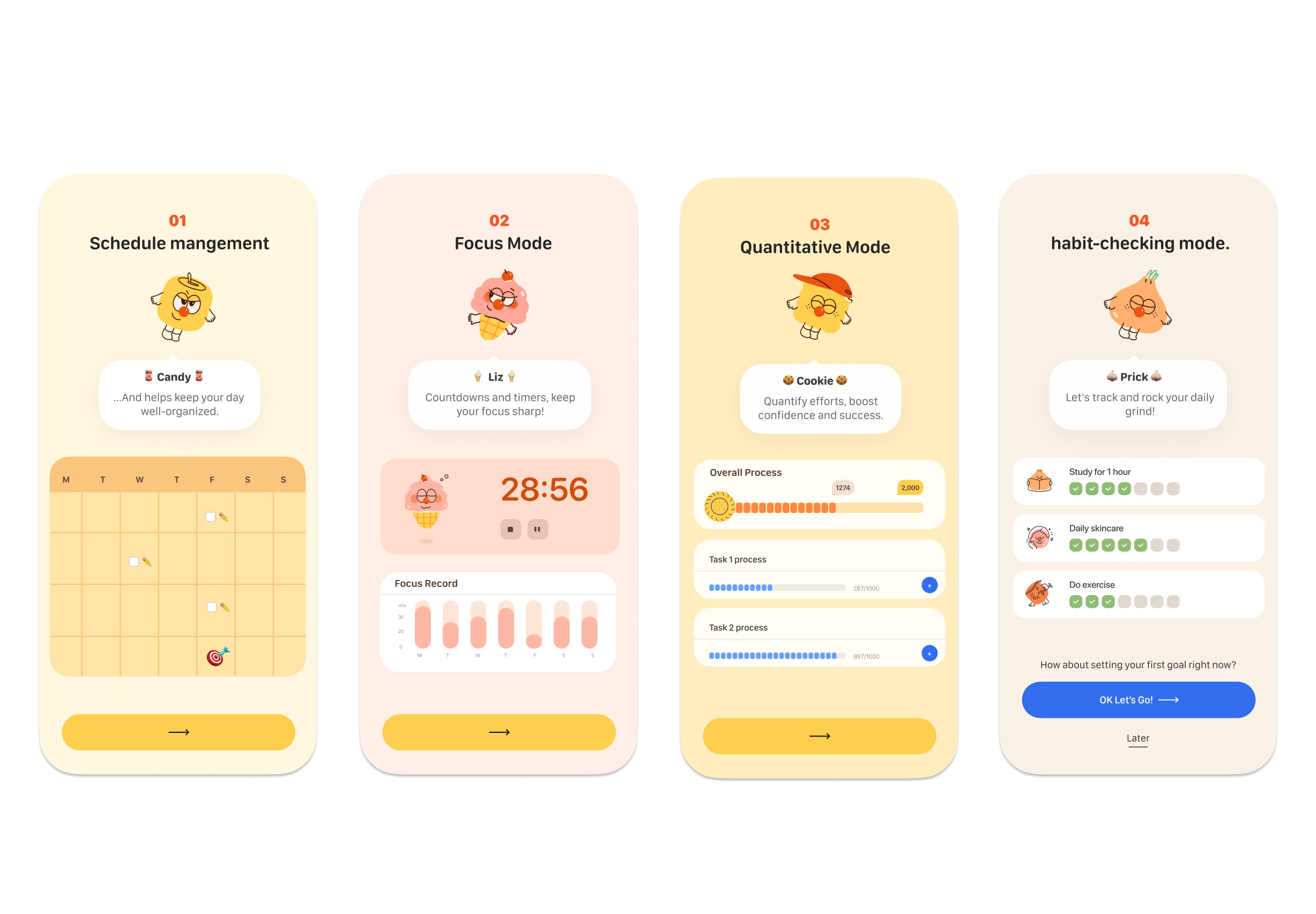
- 🥫 Canny (The Can): Focused on meeting deadlines.
- 🍪 Cookie (The Biscuit): Focused on quantifiable targets.
- 🍦 Liz (The Ice Cream): Focused on timing and focus sessions.
- 🧄 Rick (The Garlic): Focused on building habits.
Goal Details
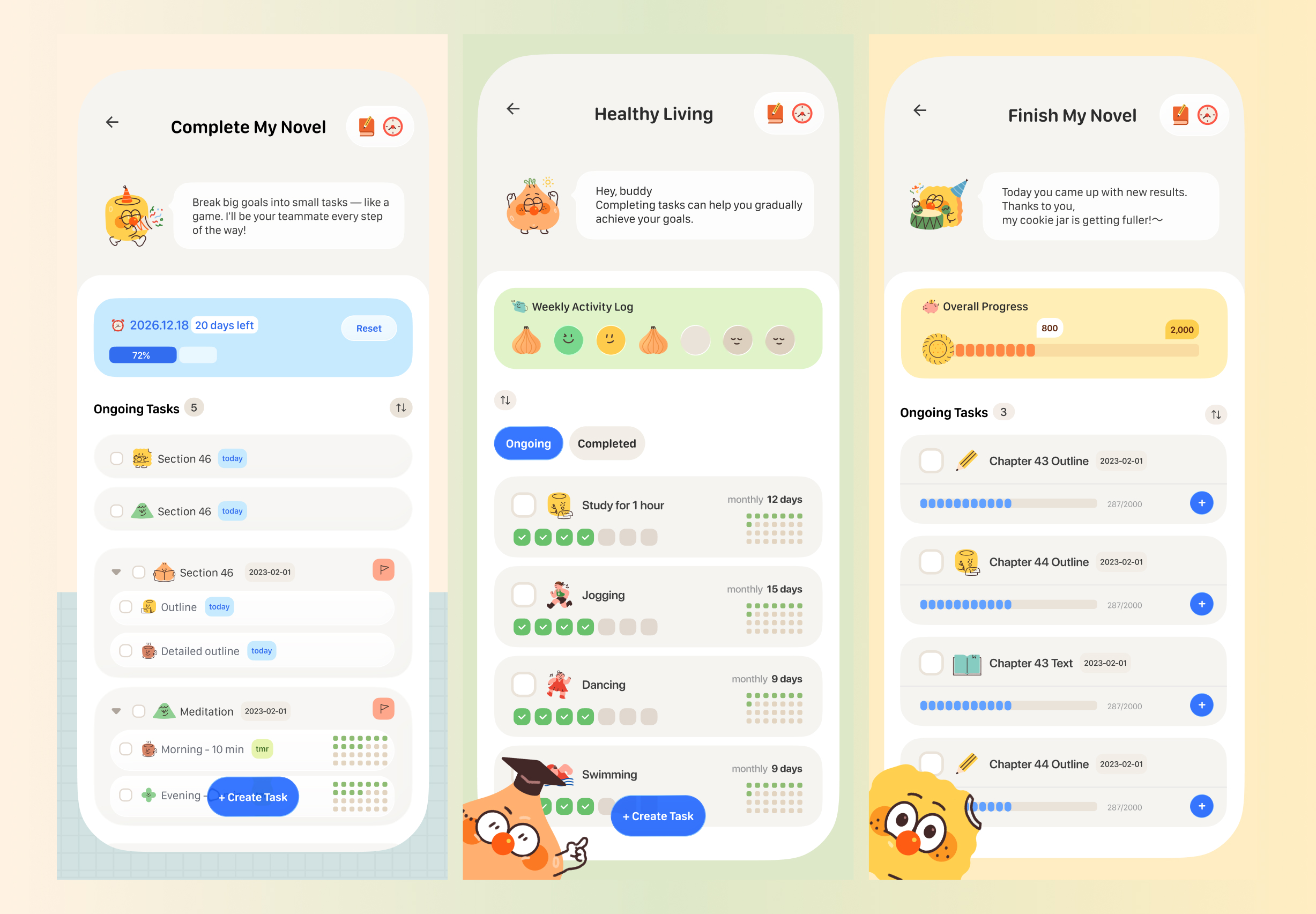
While each character creates a slightly different goal experience, they all share one common feature: you can create a wide variety of tasks tailored to your specific needs for any goal.
Goal Settings
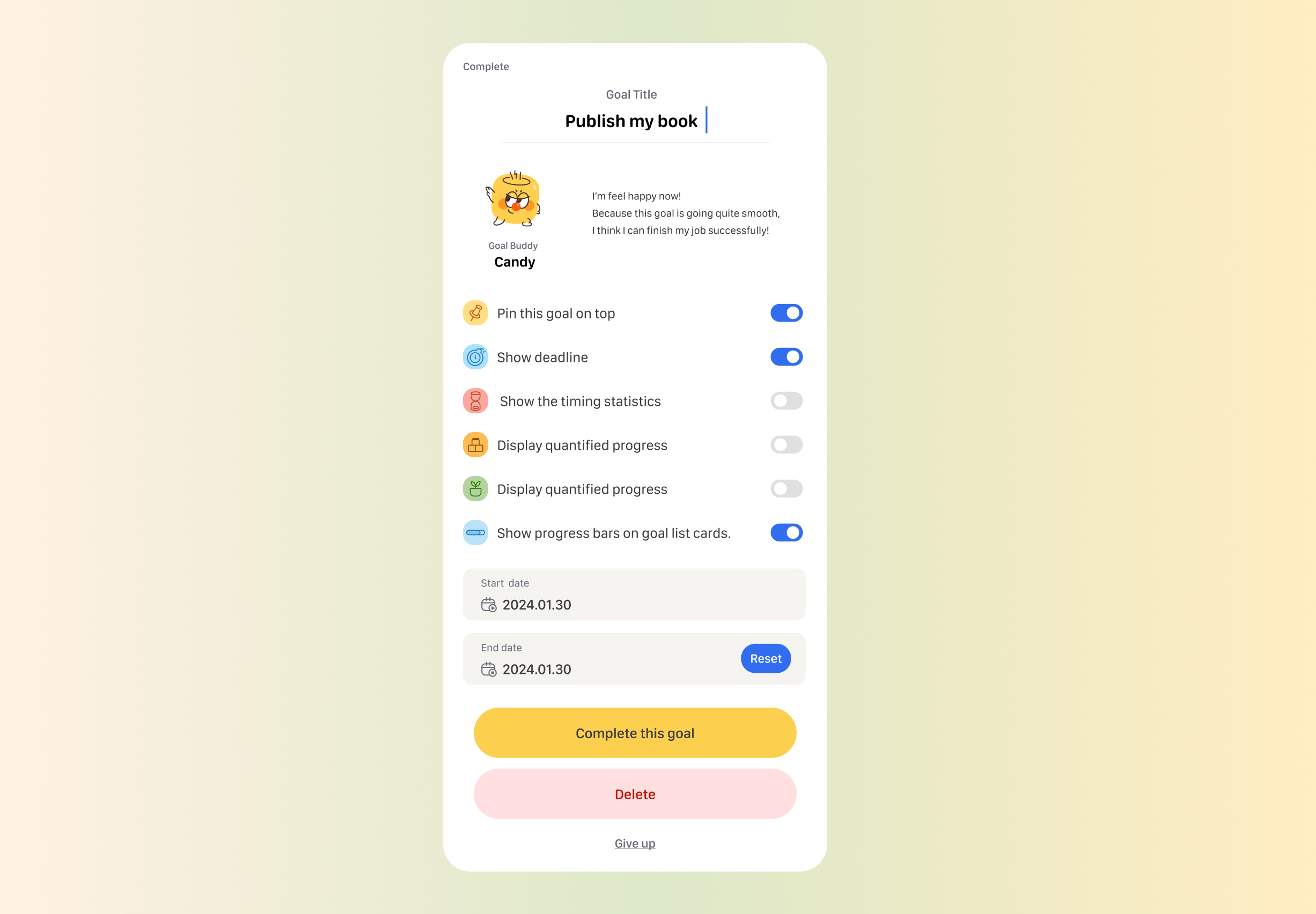
Tap the settings button in the top right corner of the goal details page to open the settings menu. Here, you can configure the goal's name, description, timeline, tasks, and toggle different specific features.
Deleting Goals
At the bottom of the settings page, you can tap the delete button to remove a goal. Please note that this action cannot be undone.
Abandoning Goals
If you need to put a goal on hold, you can tap the "Abandon" button at the bottom of the settings page. Abandoned goals can be viewed in "All Goals -> Abandoned Goals."
Reopening Goals
If you're ready to pick it up again, simply tap the "Reopen" button at the bottom of the settings page for an abandoned goal.