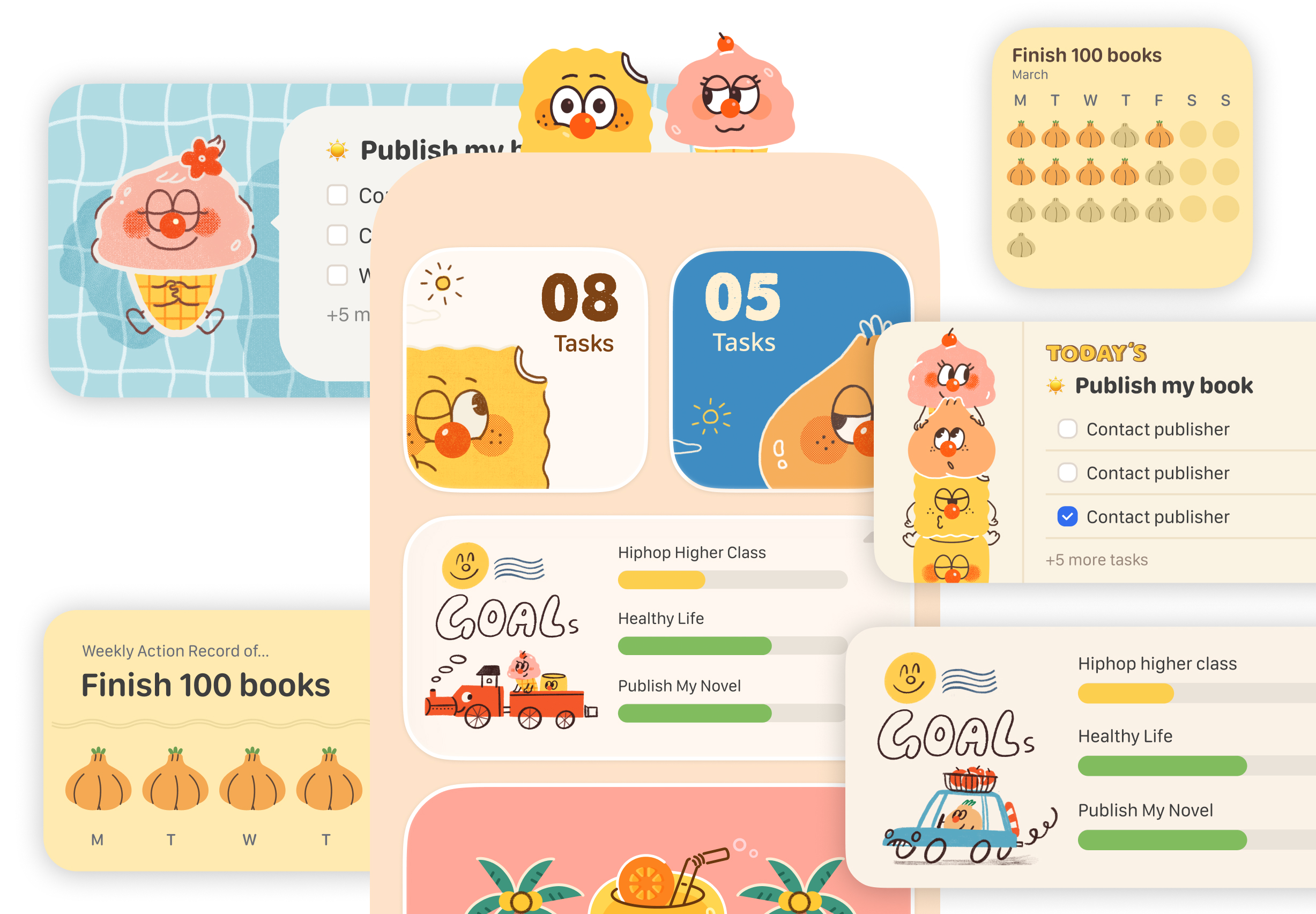
Widgets
Adding Widgets to the Home Screen
This is the most common way to display app information directly on your home screen.
- Enter edit mode: Long-press an empty area on your home screen until the icons start to jiggle.
- Tap the Add button: Tap the "+" button in the top-left corner of the screen.
- Select the widget: Scroll through the list or search to find "CanGoal".
- Choose a size: Swipe left or right to choose between different sizes (Small, Medium, or Large).
- Confirm addition: Tap the "Add Widget" button at the bottom, then drag it to your preferred location on the home screen.
- Finish: Tap "Done" in the top-right corner, or simply tap an empty area on the screen.