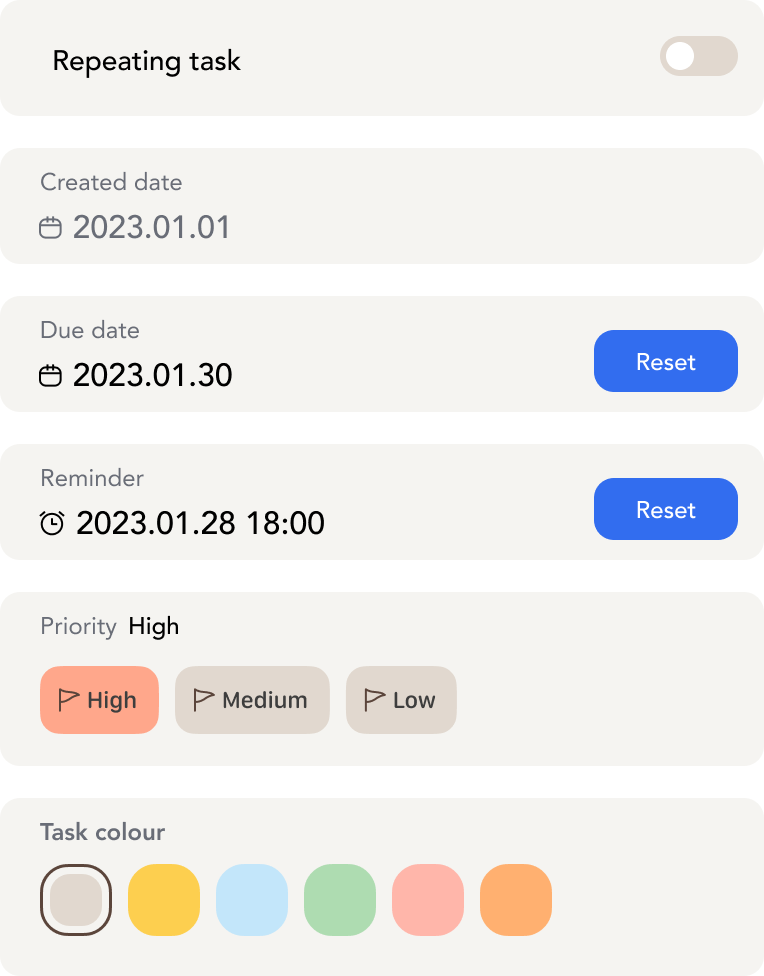
Schedule Planning
Schedule Planning
CanGoal offers comprehensive schedule planning features, allowing you to view your agenda through both monthly and weekly views.
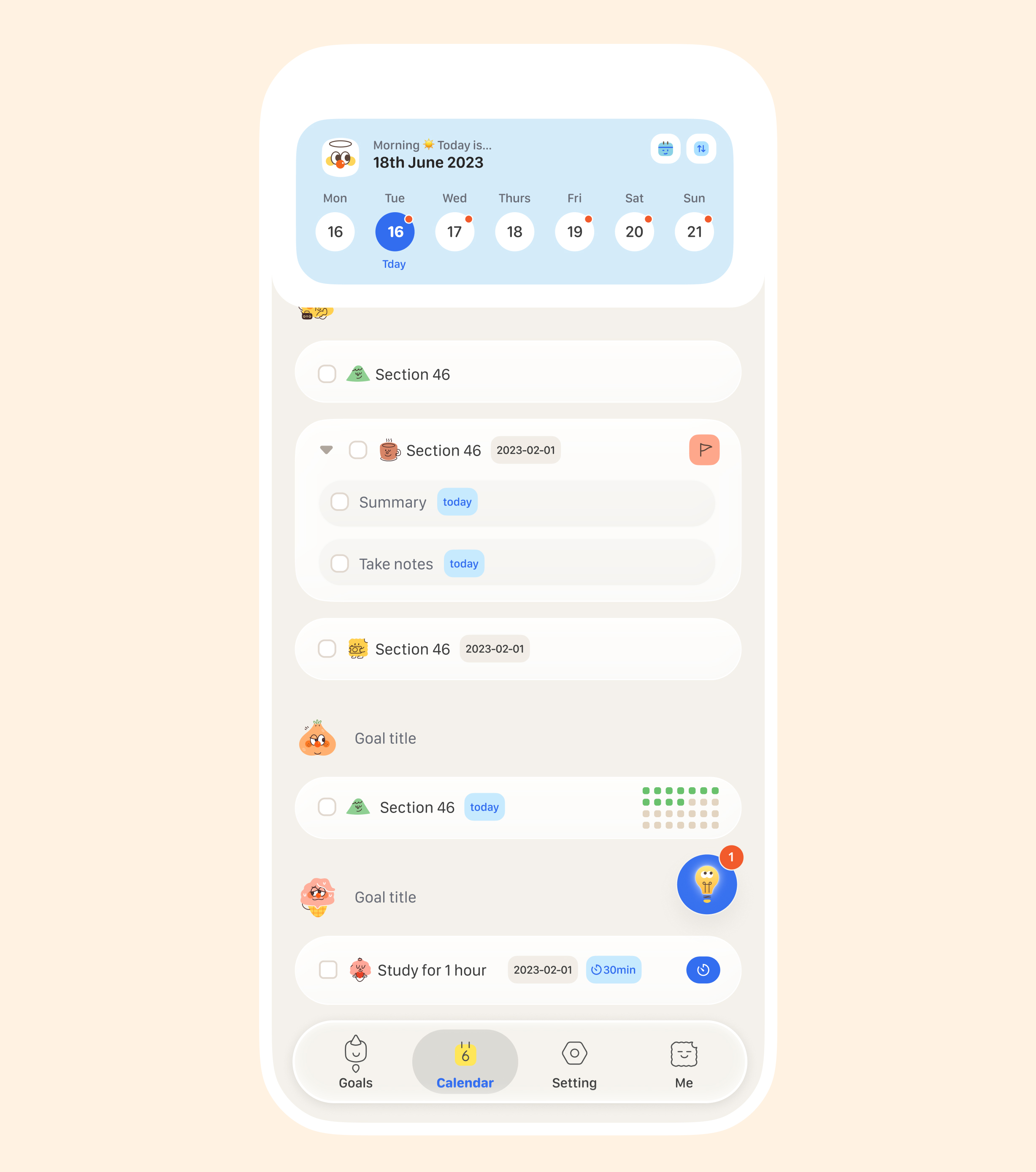
Weekly View / Daily Agenda
In the Daily Agenda, you can clearly see your tasks for each day and their completion status.
- On iPhone: Tap "Schedule" in the bottom tab bar to enter the daily agenda view.
- On iPad or Mac: Click the "Weekly View" button in the sidebar to enter the weekly view.
Monthly View
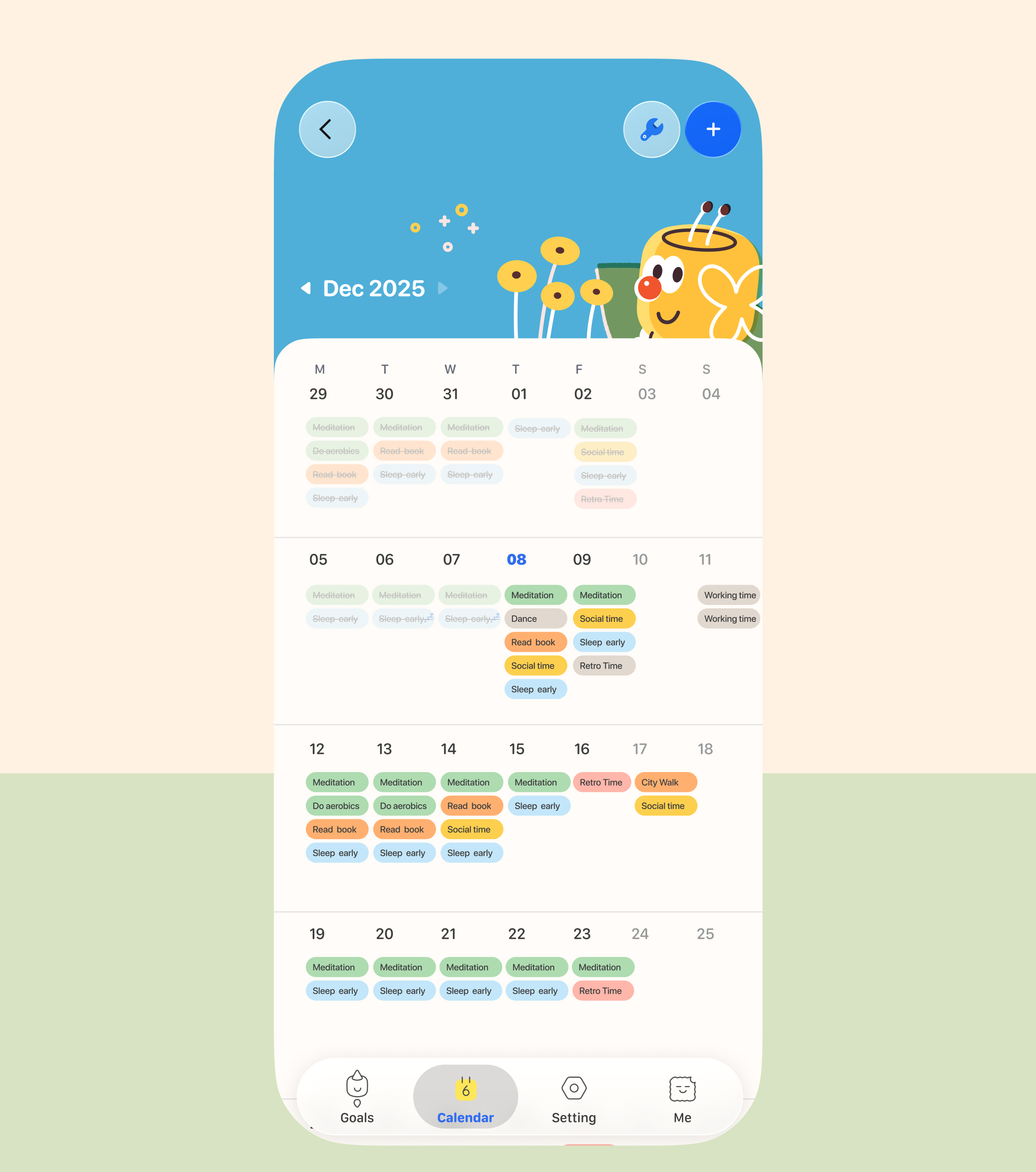
- On iPhone: Tap "Schedule" in the bottom tab bar, then tap the calendar icon in the top right corner to enter the monthly view.
- On iPad or Mac: Click the "Monthly View" button in the sidebar to enter the monthly view.
Changing the Color of Events in the Monthly View
You can customize the colors of your tasks to make your monthly view more organized and visually appealing.