
Quantification Features
Introduction to Quantification
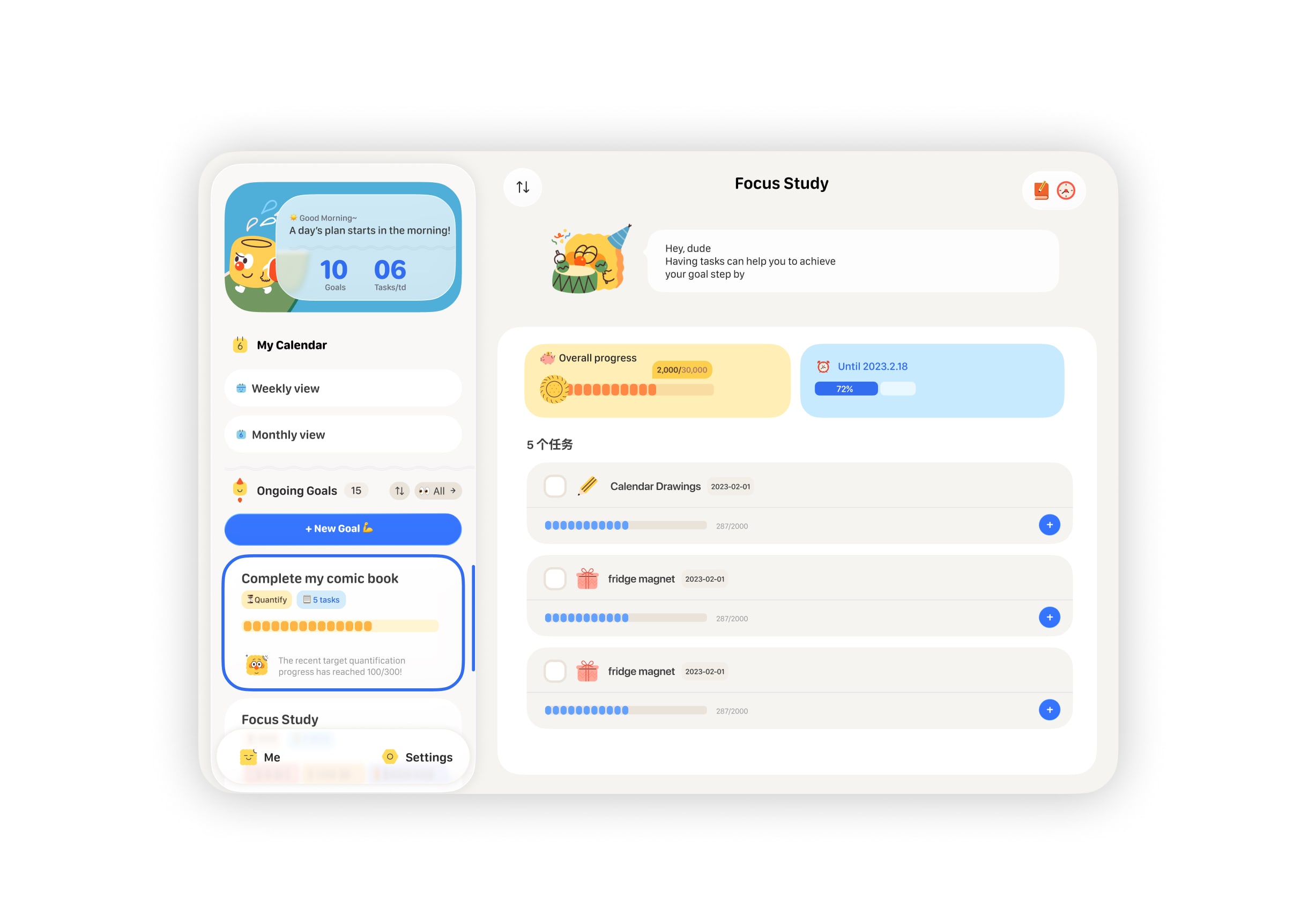
The quantification feature is a built-in tool in CanGoal. It is enabled by default when you select the biscuit character, "Cookie". For other characters, you can manually enable it in the settings page.
Potential Use Cases (Feel free to explore!)
Here are some ways you can use the quantification feature:
- 1️⃣ Reading progress: e.g., 20/200 pages.
- 2️⃣ Sales calls: e.g., calling 20/100 clients.
- 3️⃣ Saving money: e.g., saving $300/$6,000.
‼️ It's perfect for anything closely related to numbers and measurable targets!
🍪 How to Create a Quantified Task
When "Cookie" is your goal assistant, the default tasks created are quantified tasks. You can enter your target value on the task details page. For example, if the first Harry Potter book has 309 pages, set that as your target and work towards it! (See Image 3)
For goals with other characters, you can manually enable this in the task settings page—the process is exactly the same.
🍪 Managing Quantified Tasks
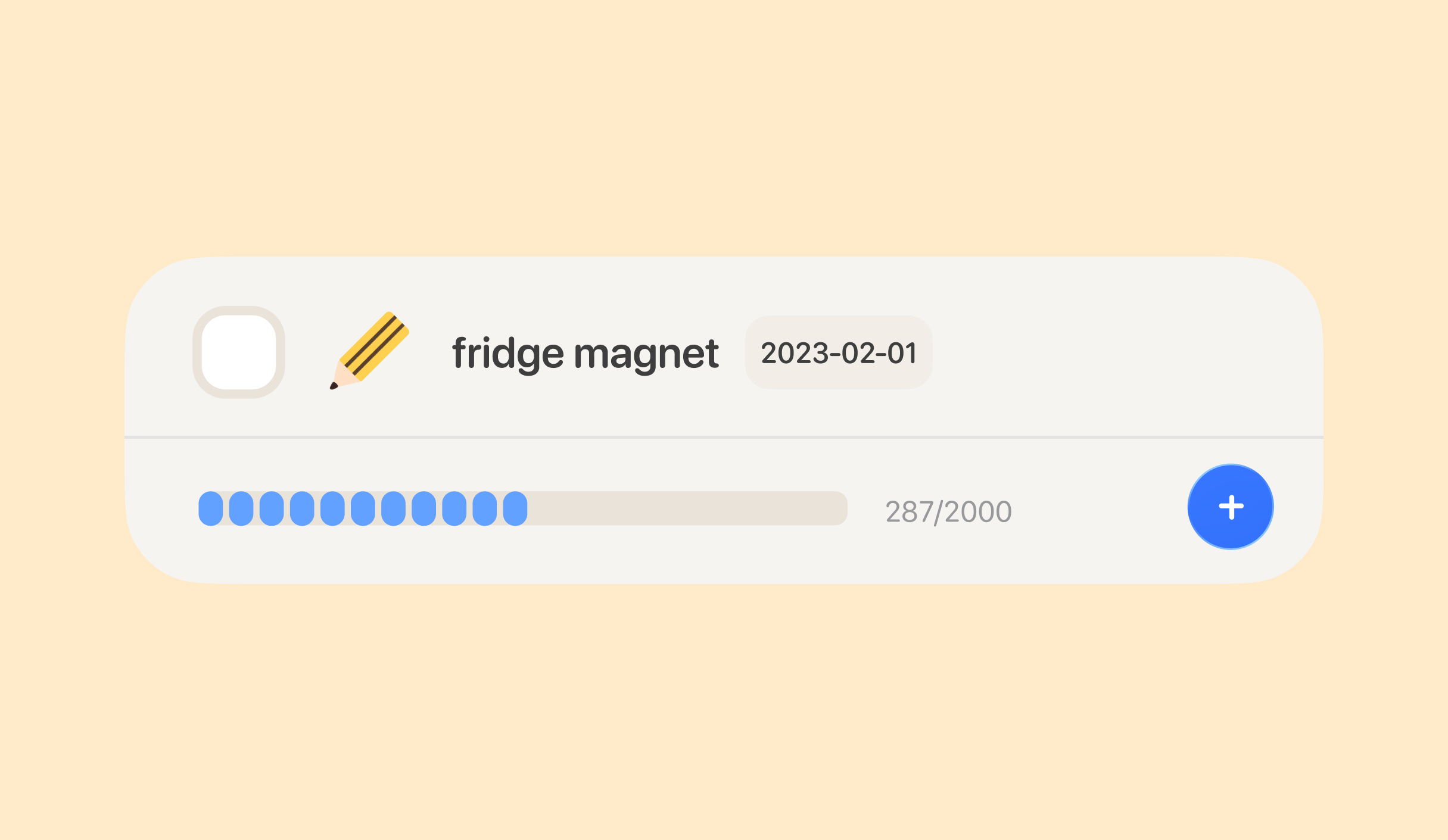
To quickly add to your quantified progress, simply tap the blue plus button.
You can also enter the task details page to make fine adjustments, subtract values, or set the progress directly to your current state.
🍪 Overall Goal Quantification Progress
The overall quantification progress of a goal is simply the sum of all its quantified tasks.